Step 1 of 6 • Devices

See your VerbaNote devices, monitor health, and move quickly between active sessions and device controls.

OK
View device status, activity, and readiness from one dashboard.
GO
Jump from devices into session and transcript workflows faster.
Devices dashboard preview
Step 2 of 6 • Transcripts

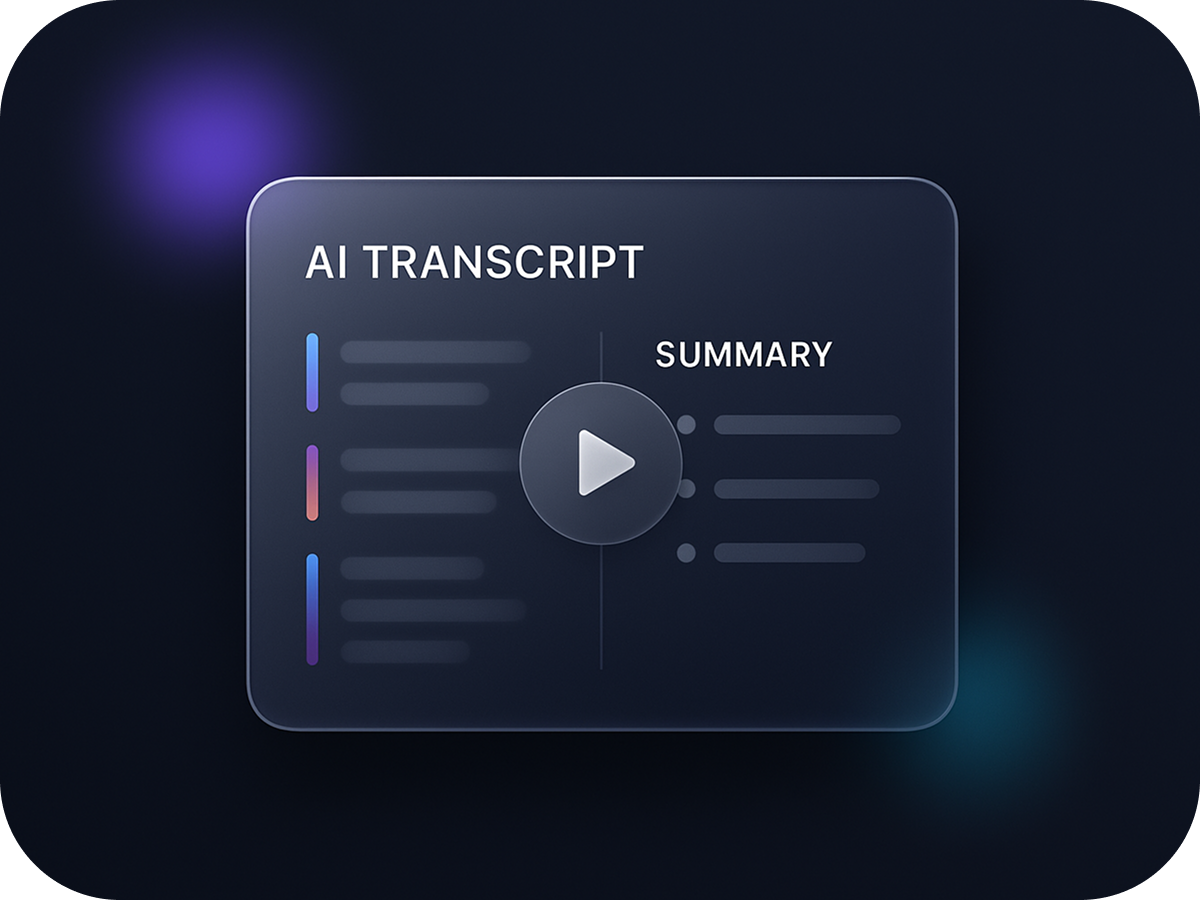
Open transcripts and summaries instantly

Review transcript text, session summaries, and key takeaways without leaving the mobile workflow.

TXT
Read transcript content directly on the session page.
SUM
Use the generated summary as the base for exports and social content.
Transcript view preview
Step 3 of 6 • Captions

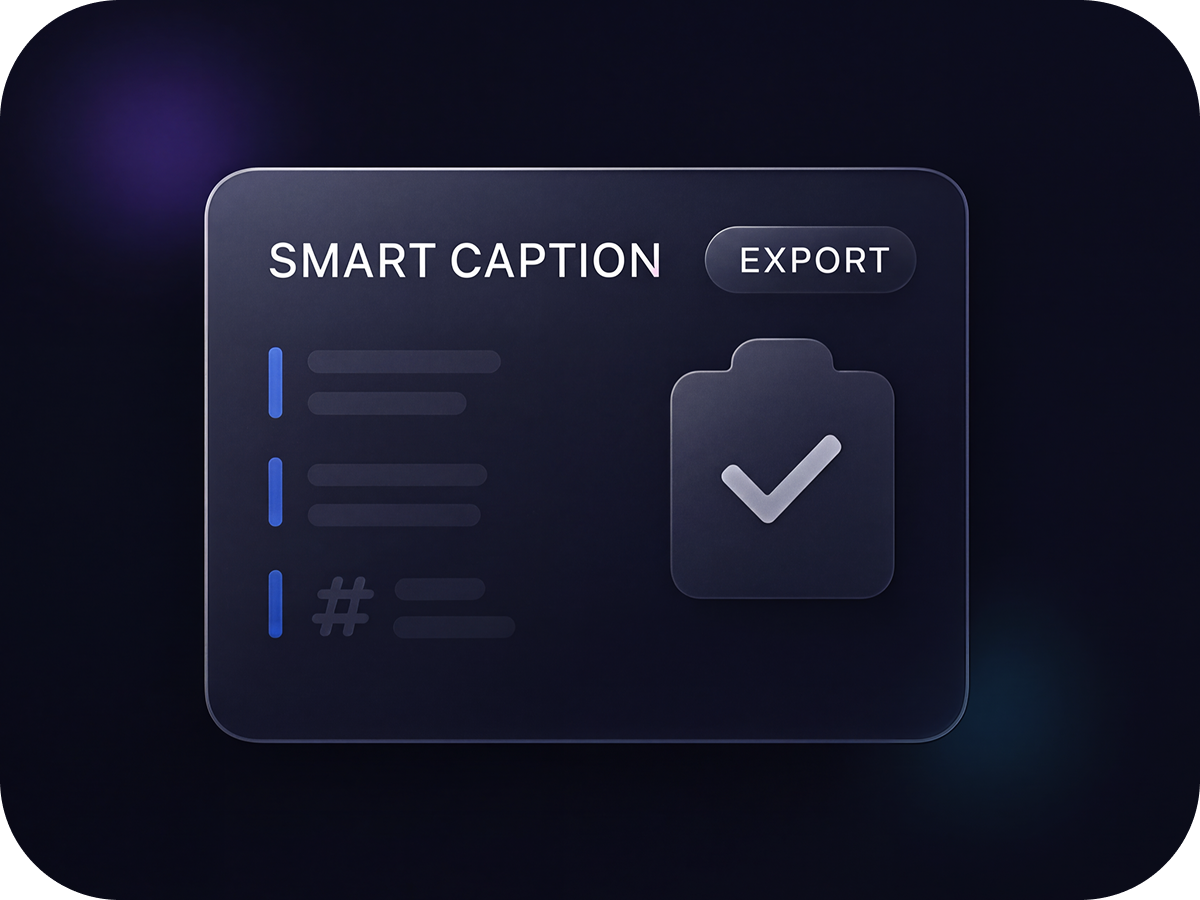
Copy ready-to-use social captions

Turn your summary into a cleaner caption with a hook, takeaway, call to action, and hashtags in one tap.

CP
Copy formatted Instagram copy straight from the transcript page.
UP
Post faster without manually rewriting every session summary.
Instagram caption preview
Step 4 of 6 • Carousel Slides

Create slides from each session

Generate branded carousel images from your summary and reopen saved slides without regenerating them every time.

ART
Build square slide images ready for download and posting.
LIB
Reuse previously generated slides instead of recreating them.
Carousel slides preview
Step 5 of 6 • Branding

Set your brand once and reuse it everywhere

Keep your profile current and apply brand name, theme, color, and logo to your social assets and exports.

ID
Save brand identity once inside your profile settings.
LG
Upload a logo and use it across branded slide generation workflows.
Profile and branding preview
Step 6 of 6 • Start

Sign in and start creating content

Register devices, review transcripts, generate captions, and produce branded slides from one app flow.

IN
Returning users go straight to login for faster access.
NEW
New users can start onboarding and move directly into device setup.
Getting started preview
Step 1 of 6